ForkSight — Chess.com Training & Coaching Extension
A downloadable tool for Windows, macOS, Linux, and Android
Demo Video
ForkSight — Chess.com Training & Coaching Extension
Unofficial training companion for Chess.com with puzzle practice, post-game coach review, profile stats, and optional Premium tiers.
Overview
ForkSight is a Chrome extension built for post-game improvement workflows on Chess.com.
Core goals:
- Turn played games into actionable learning.
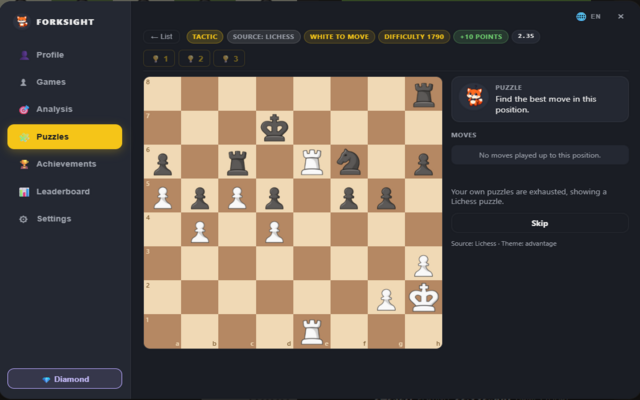
- Provide puzzle and hint flows tied to your own games.
- Offer clear, profile-based progress tracking.
- Keep account and subscription management simple.
Note: ForkSight is not affiliated with, endorsed by, or sponsored by Chess.com.
Main Features
- Puzzle practice and hint-based training
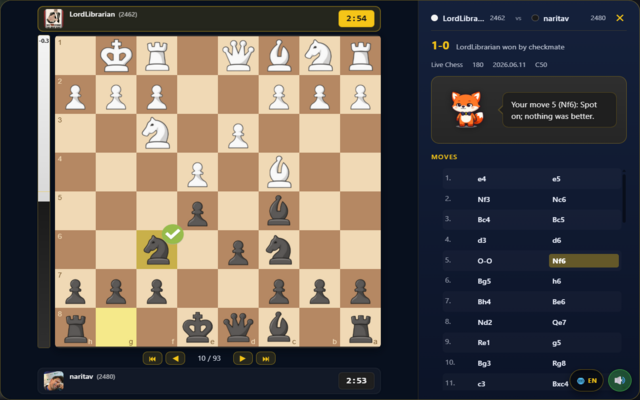
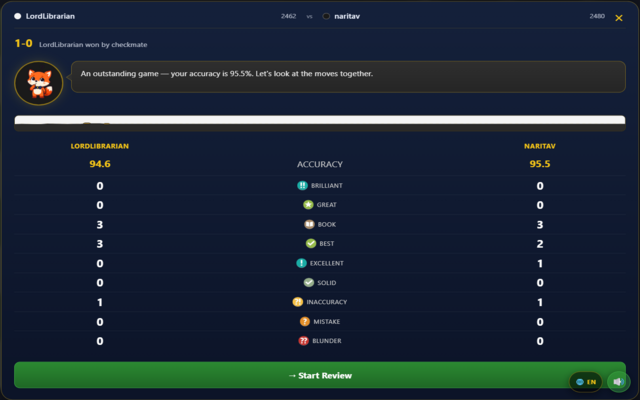
- Post-game coach-style review
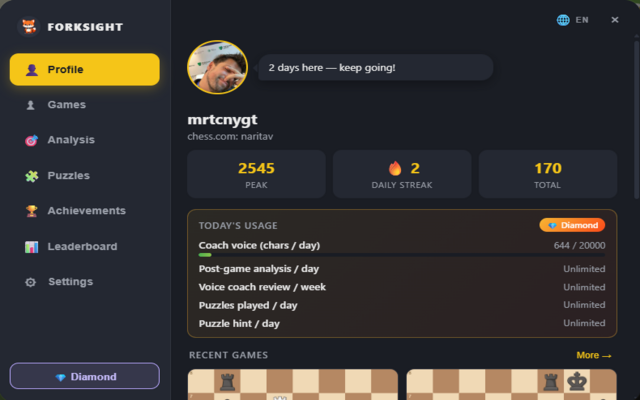
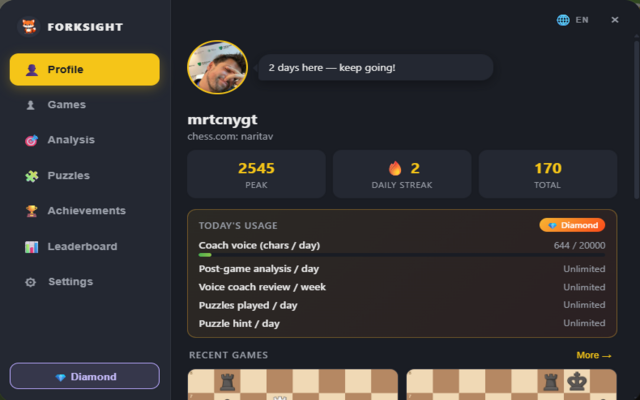
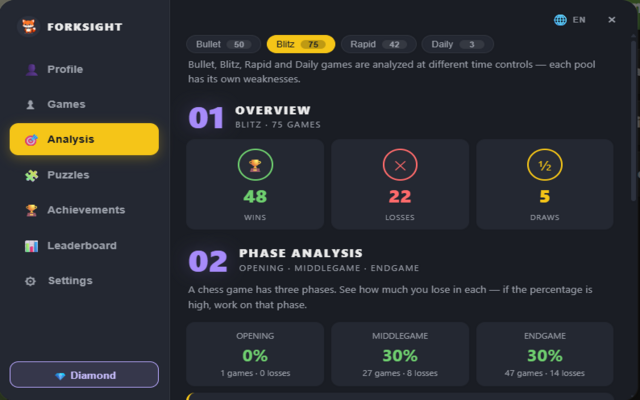
- Player profile stats and progress views
- Account login and session sync
- Optional Premium plans for higher limits
Demo Video
Screenshots
Extension Screens
| Login | Main Panel |
|---|---|

| 
|
| Coach Review | Puzzle View |
|---|---|

| 
|
| Analysis | Game Result |
|---|---|

| 
|
Pricing and Purchase
ForkSight uses two premium tiers:
- Gold: $3/month or $29/year
- Diamond: $6/month or $59/year
Where to buy:
- Premium page: https://forksight.net/premium
- GitHub Sponsors: https://github.com/sponsors/mrtcnygt0
Premium activation flow:
- Sign in to your ForkSight account.
- Link your GitHub account.
- Start a GitHub Sponsors subscription.
- Premium activates automatically after sponsor sync.
Installation (Developer / Local)
- Open Chrome and go to
chrome://extensions/ - Enable Developer mode.
- Click Load unpacked.
- Select the extension folder from this repository.
Chrome Web Store Build
The CWS package is generated from the extension directory only.
Current local package example:
forksight-chesscom-v2.9.0.zip
Support
- Website: https://forksight.net
- Premium & billing: https://forksight.net/premium
- Privacy policy: https://forksight.net/privacy
Download
Click download now to get access to the following files:
Leave a comment
Log in with itch.io to leave a comment.